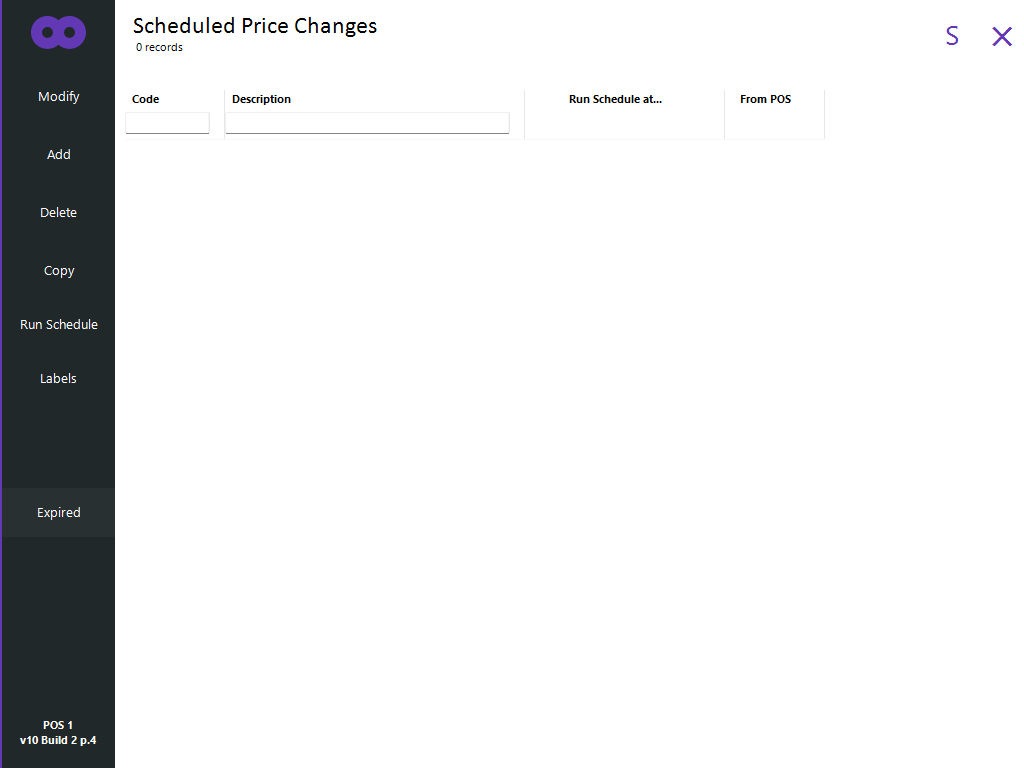
Scheduled Price Changes enables the Sell Prices of Stock Items to be changed automatically on a specified date and time.
This is done by creating Scheduled Price Change batches, with each batch containing a Run Schedule at date and time, along with the Stock Items that will have their Sell Prices changed.
A venue can create as many Scheduled Price Change batches as they require.
When using the Scheduled Price Changes function, it is important to note that Idealpos must be running on the Back Office and POS Terminals during the date and time specified in the schedule for the schedule to apply.
Scheduled Price Changes is accessed via Back Office > File > Sales > Scheduled Price Changes.